TechMitten

Android apps & custom software

Some jobs outgrow a spreadsheet and a shared inbox. I design, build, and publish software made around how your business already works, from native Android apps on Google Play to web apps and customer portals. You work with the developer directly, and you own everything.

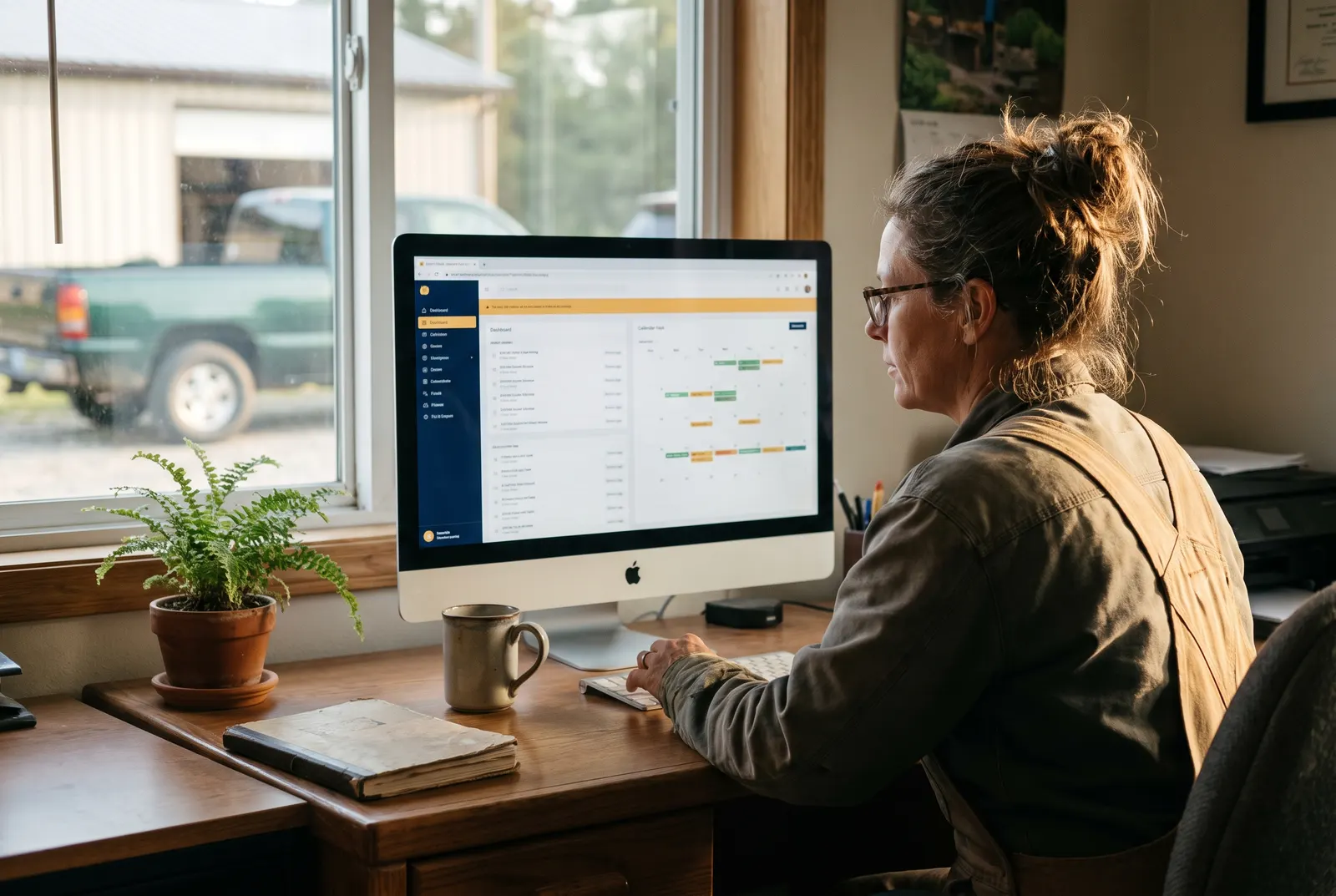
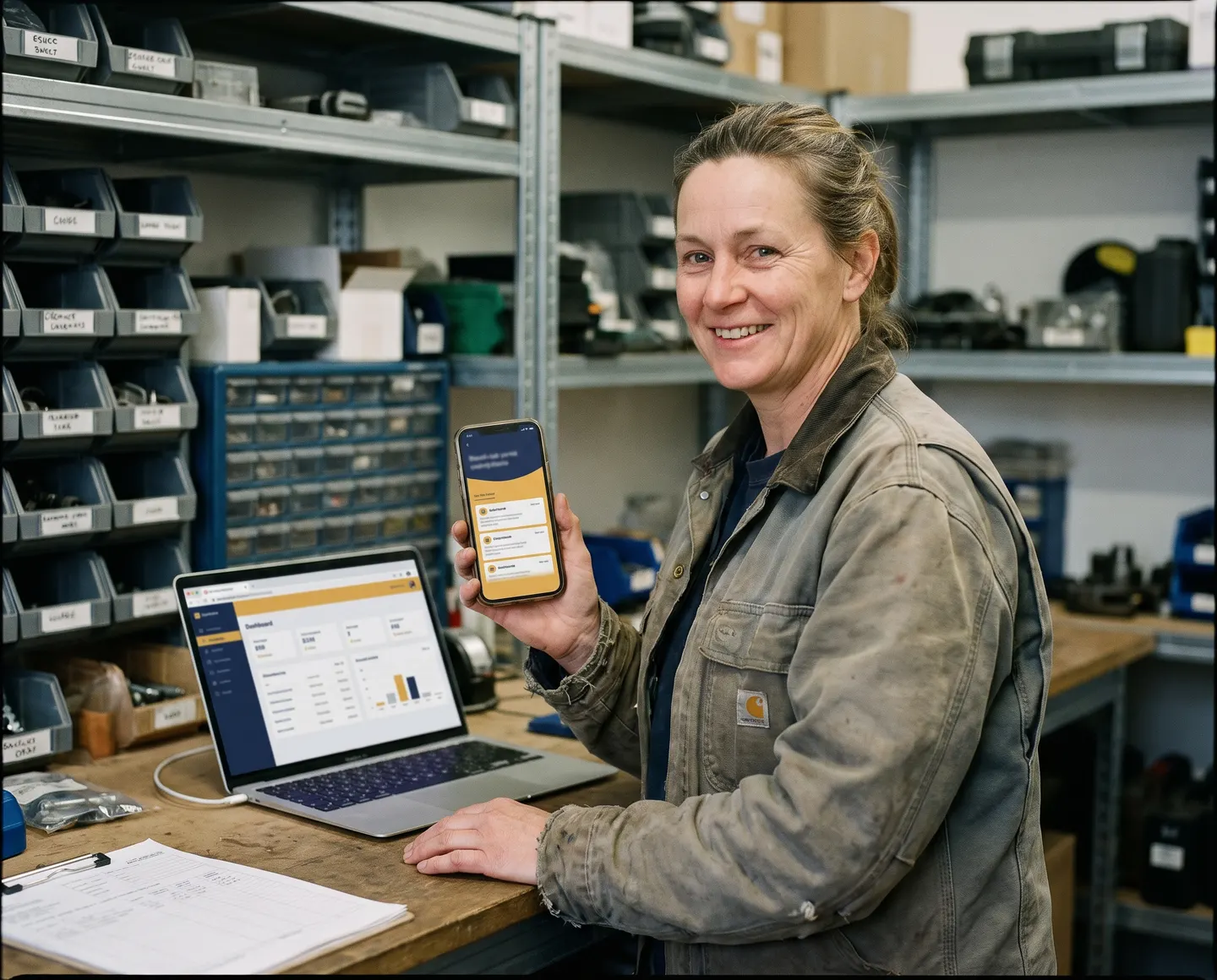
A heating and cooling business owner holding up her company’s job-tracking app, with its dashboard open on a laptop

Each of these starts the same way: one workflow, understood properly, before a line of code is written.

An Android app

A native app for your customers or your team, built, tested, and published to Google Play under your own account.

  • Designed and built for Android devices
  • Store listing, screenshots, and release handled
  • Updates and new versions published as needed
A web app or portal

A place for customers or staff to see jobs, quotes, and records, instead of chasing scattered email threads.

  • Customer and staff portals with secure sign-in
  • Job tracking, quotes, and shared records
  • Dashboards that show the numbers you check often

An internal tool

The small piece of software that removes a daily job nobody should still be doing by hand.

  • Forms, reminders, and scheduled reports
  • Integrations with the tools you already pay for
  • Data imported from your existing spreadsheets

What good business software does

Software that takes work off your plate.

An app is only worth building if it saves time or brings in work. Everything I build is designed around three jobs: fitting your process, keeping records in one place, and letting customers help themselves.

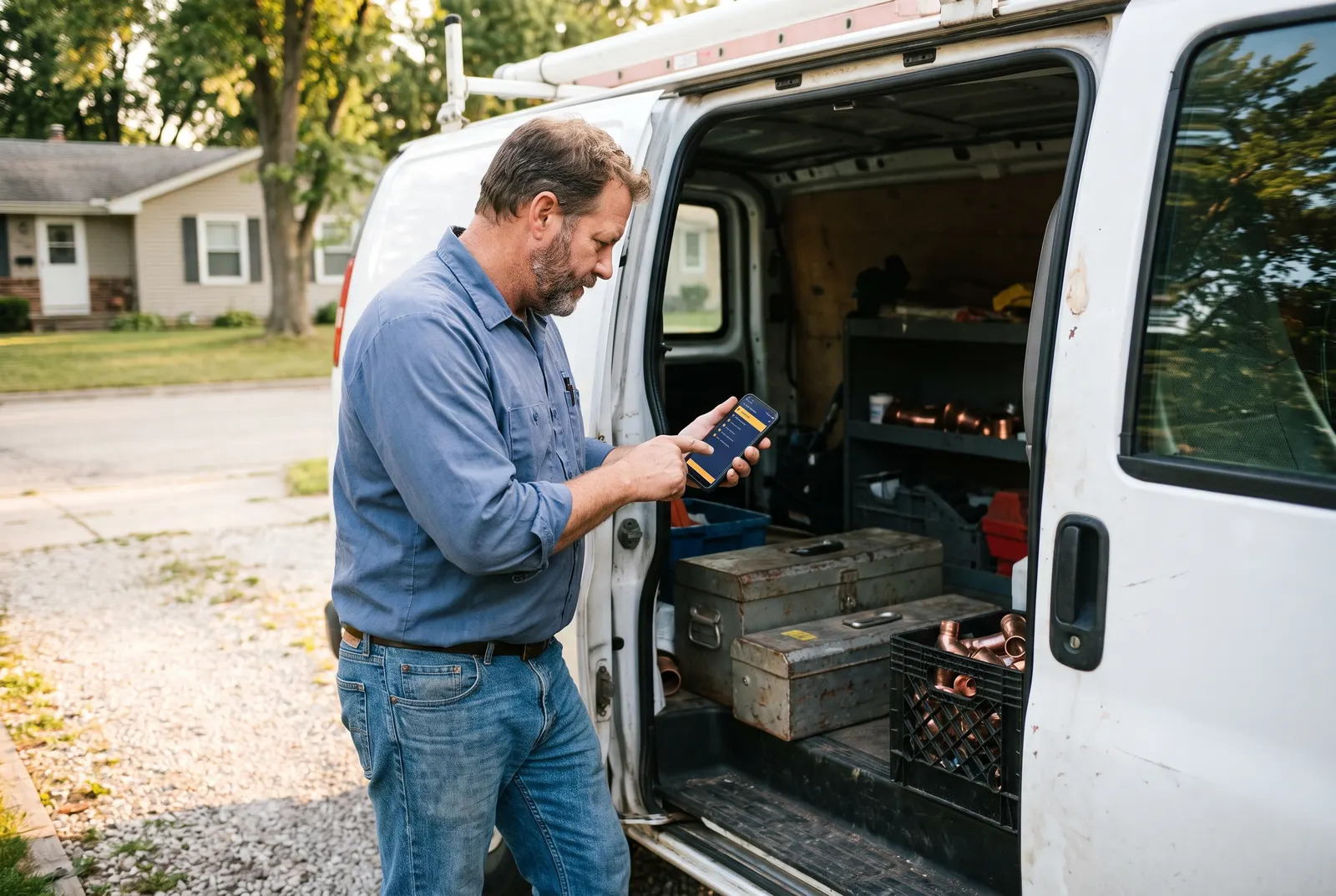
A plumber at the open door of his van marking a job complete in an app on his phone

Fits how you already work

Software should follow your process, not force a new one on you. We map the way a job actually moves through your business, then build the screens around those steps.

  • Built around your real jobs, forms, and approvals
  • Only the buttons and fields your team needs
  • Your wording, your categories, your workflow
An office manager at a landscaping company reviewing jobs on a web dashboard

One place for every record

Customer details, jobs, quotes, and notes live in one shared system instead of spreadsheets, sticky notes, and email threads, so nobody has to ask where something is.

  • Search any customer or job in seconds
  • Everyone sees the same, up-to-date information
  • Dashboards for the numbers you check every week
A man on his couch checking the progress of his furniture repair in an app

Customers help themselves

Give customers a portal or app where they can check progress, book, approve a quote, or send photos, without phoning your office to ask.

  • Status updates without the phone calls
  • Online quotes, approvals, and bookings
  • Secure sign-in for each customer
A florist on a video call, holding up her phone to show a test version of her shop’s ordering app

How a software project works

From one workflow to an app your team relies on.

  1. A free conversation

    Walk me through the job that is eating your time, and the tools you use today. Screenshots, spreadsheets, and paper forms all help. You get an honest view of whether software is the answer.

  2. One workflow, mapped and costed

    We pick the single workflow worth fixing first and agree in writing on the screens, the people who use them, and the price, before any building starts.

  3. Built in stages you can try

    You get an early test version on your own phone or browser and tell me what to change while it is still easy to change.

  4. Launch

    Your data is brought across, your team gets a walkthrough, and Android apps are published to Google Play under your own developer account.

  5. Grow it when it earns its place

    Once the first version is in daily use, we add the next most useful piece. Every new phase is quoted up front.

Built properly from day one

Safe, reliable, and yours to keep.

Business software holds your customers’ details and your day’s work. Here is what goes into every app and portal, so it stays secure and keeps running as you grow.

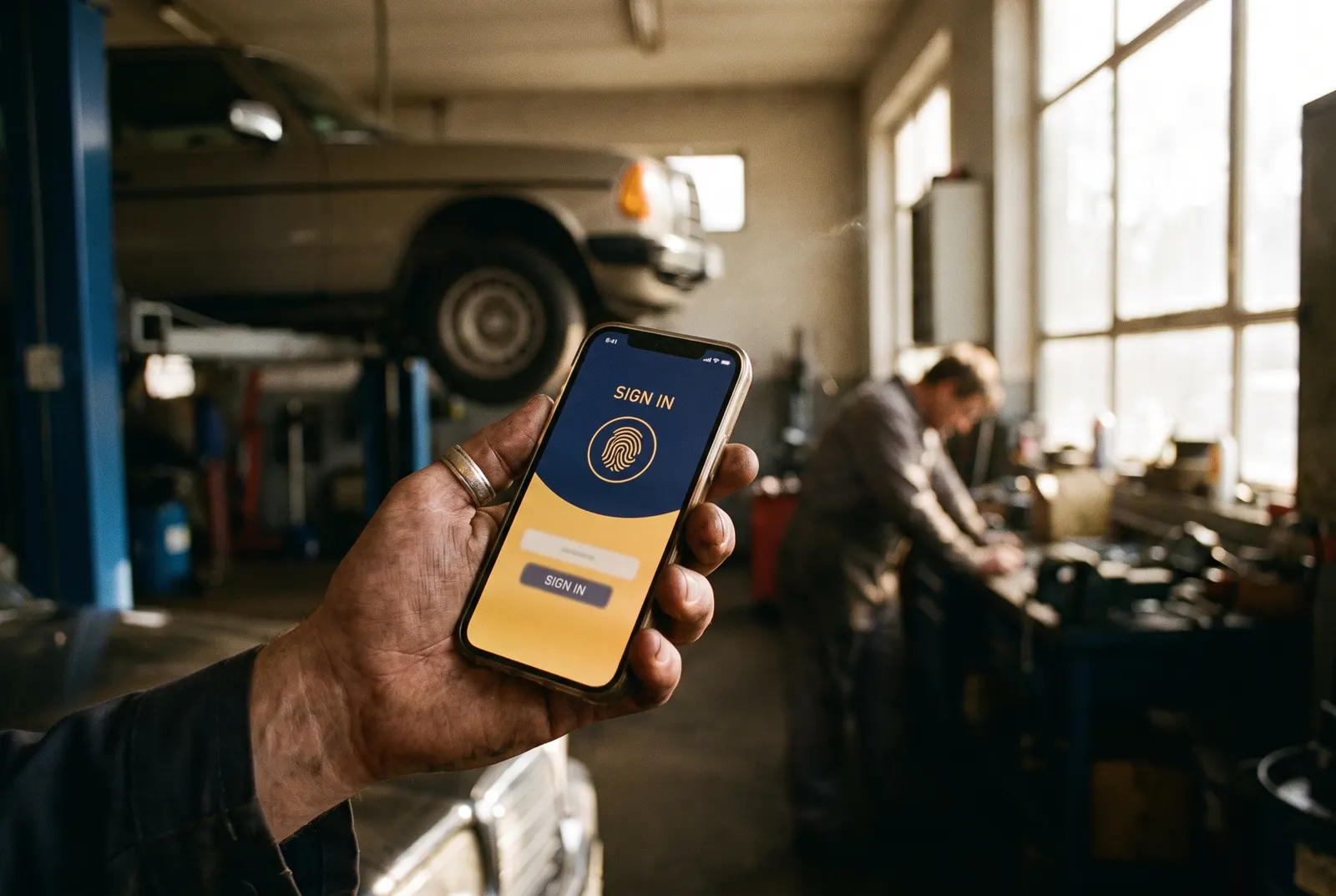
A mechanic signing in to his shop’s app with a fingerprint
  • Secure sign-in

    Each person gets their own login, with roles that decide who can see and change what. Staff and customers only see what they should.

  • Your data, your accounts

    The code, the database, the app store listing, and the hosting are all set up in your name. You can take everything with you.

  • Connects to your tools

    Calendars, email, spreadsheets, accounting, and payment tools can be linked in, so information is entered once instead of retyped.

  • Tested before release

    Every version is checked on real phones and browsers before your team or customers see it, and Android releases go through Google Play testing first.

  • Backed up

    Records are stored with established cloud providers and backed up, so a lost phone or a broken laptop never means lost work.

  • Room to grow

    Start with one workflow and add more later on the same foundation, without starting over or paying for a rebuild.

A clear plan before building

Know exactly what your first release does.

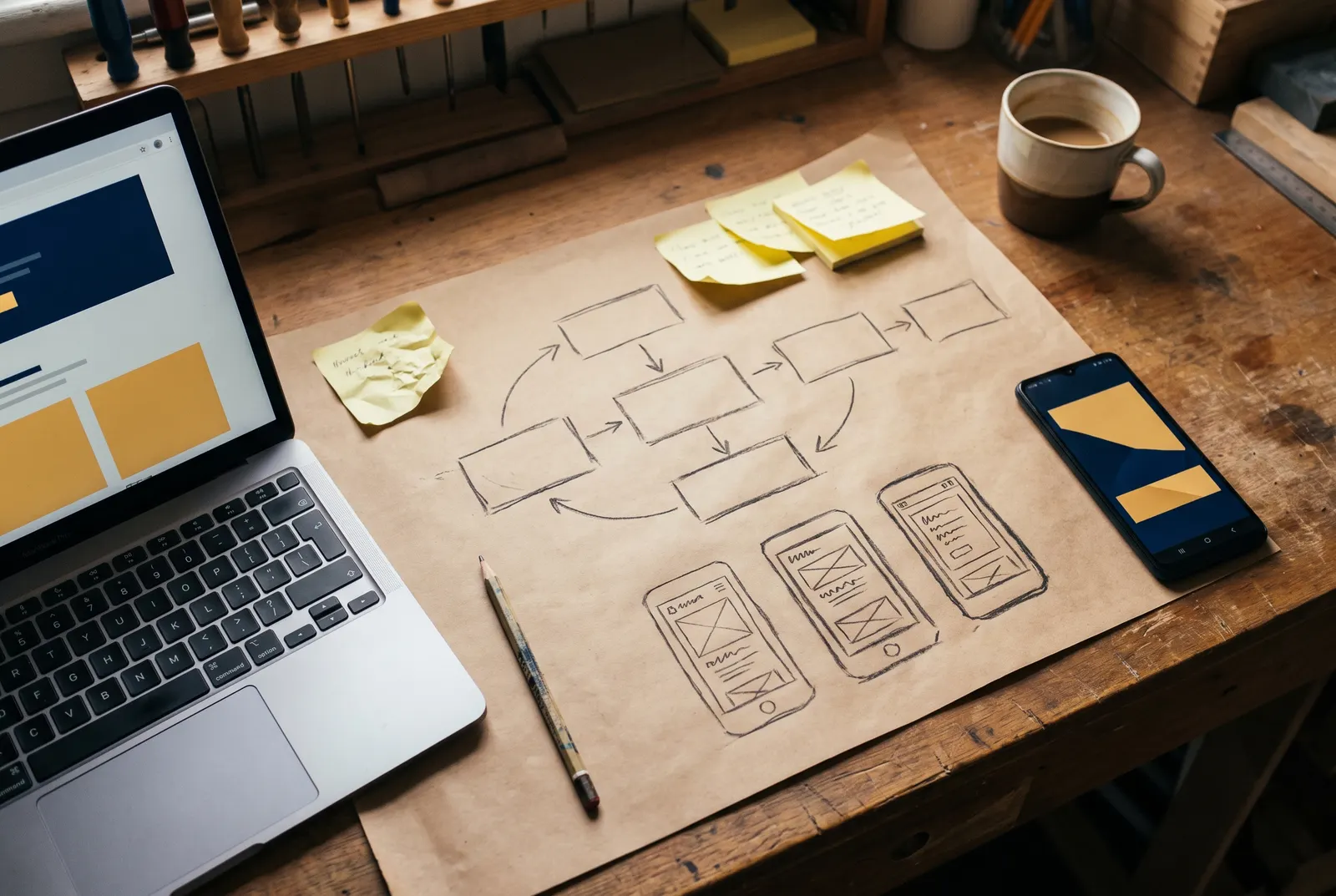
Before any building starts, you get a simple plan of every screen and the job it does. Here is what one looks like for a typical field service business.

An app workflow sketched on paper with phone screen wireframes, beside a laptop and a phone

Example first release

Custom app · Android + web dashboard

A local heating and cooling company

  1. Job list: Today’s jobs for each technician, in order, with the address one tap away.
  2. Job details: Customer notes, equipment history, and photos from past visits.
  3. Visit report: Checklist, photos, parts used, and the customer’s signature on the phone.
  4. Office dashboard: Every job’s status at a glance, and reports that are ready to invoice.
  5. Daily summary: An automatic email each evening with completed and outstanding jobs.

Every plan also covers

  • Who uses it, and what each person can see
  • Where your data lives and how it is backed up
  • App store and hosting accounts in your name
  • Which existing tools it connects to
  • Data carried over from your spreadsheets
  • Running costs, in plain numbers

Clear, published pricing

App and software pricing, up front.

Prices are starting points. Your estimate covers the exact screens and features we agree on, later phases are quoted separately, and hosting and app store costs are explained before you commit.

Website to app

Starting at$99one-time

Turn a website we built for you into an app customers can install on their phone.

  • Home screen icon and launch screen
  • Full-screen, app-like experience
  • Works on iPhone and Android
  • Friendly offline page
  • App store listing quoted separately
Get a free estimate

Custom app

Starting at$1,999scoped to your features

A portal or business app built around how you work, delivered in practical stages.

  • Customer or team portal
  • Logins with roles and access
  • Records, bookings, or job tracking
  • A focused first release, then add more
  • Later phases quoted separately
Get a free estimate

Signs custom software would help

  • You type the same details into several places
  • Spreadsheets are emailed back and forth
  • Customers call just to ask for an update
  • Paper forms ride around in the truck
  • You pay for several tools that do not talk
  • Staff cannot see job details on the go
  • Weekly reports take hours to put together
  • An off-the-shelf tool makes you work its way
  • You want your own app on Google Play
  • An old system nobody can maintain anymore

Not sure an app is the answer?

Describe the job that is eating your time. You will get an honest view of whether custom software, an existing tool, or a simple automation fits best, and what it would cost.

I am not outsourcing this. These are products I designed, built, and shipped myself, and they are in use today.

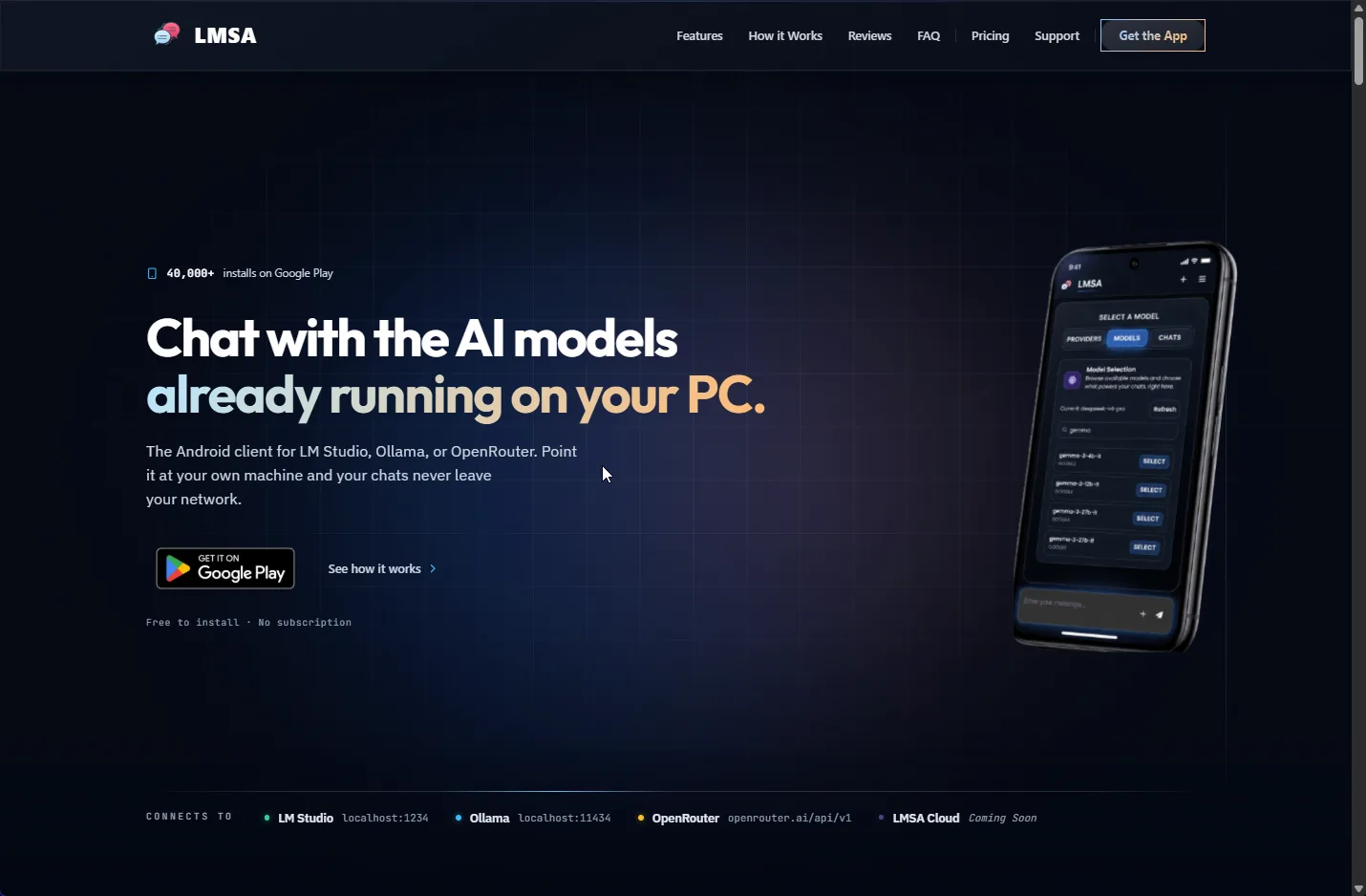
The LMSA Android app for local AI models

40,000+ installs on Google Play

LMSA

An Android client for LM Studio, Ollama, and OpenRouter. Chats stay on your own network, with an encrypted on-device history and no tracking.

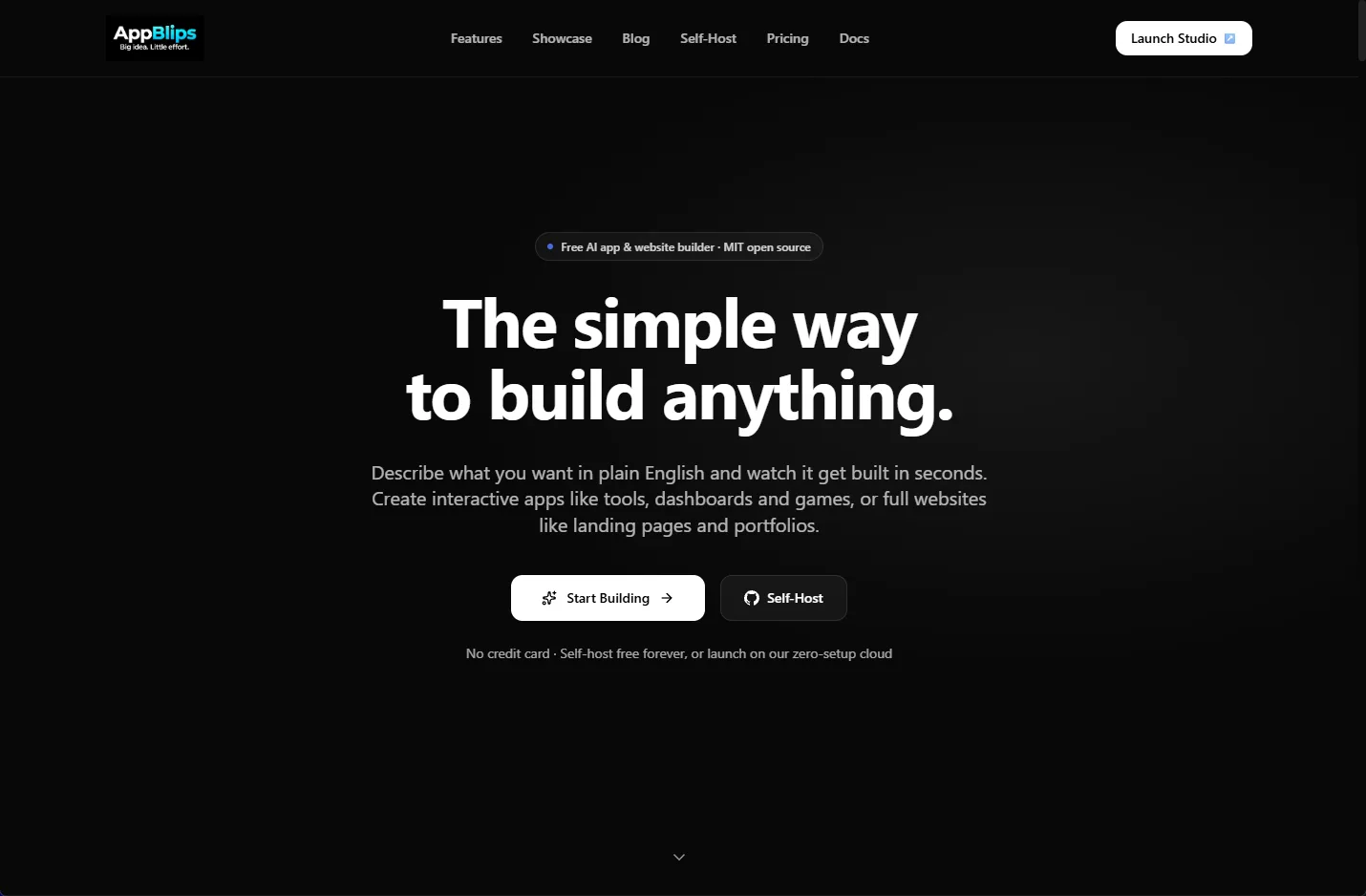
The AppBlips text-to-app generator

Live product

AppBlips

A text-to-app generator that turns a plain English description into a working, single-file app with a live preview.

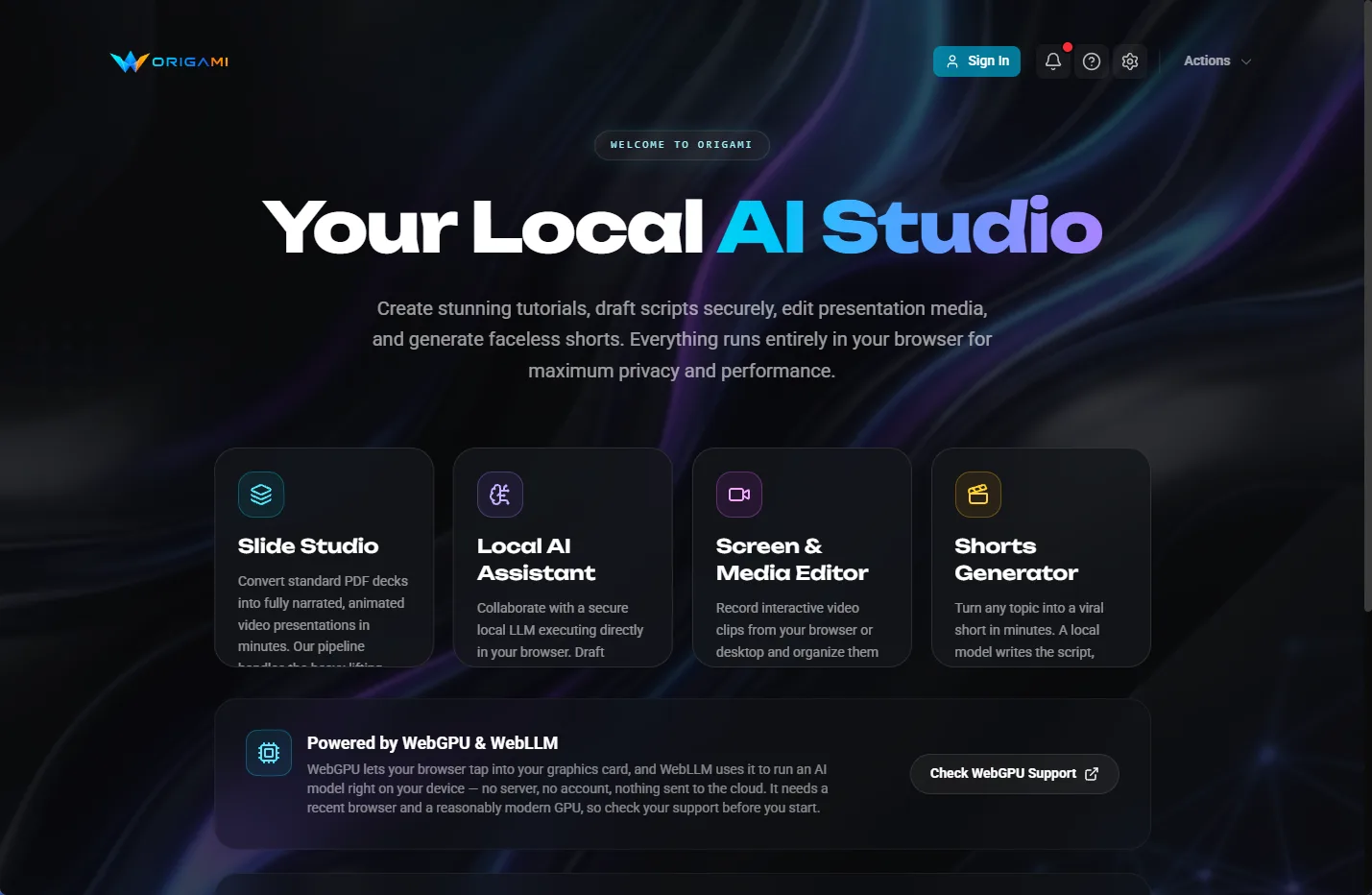
The Origami AI local studio interface

Runs in the browser

Origami AI

Turns a PDF deck into a narrated video presentation in the browser, using WebGPU so the files never leave the machine.

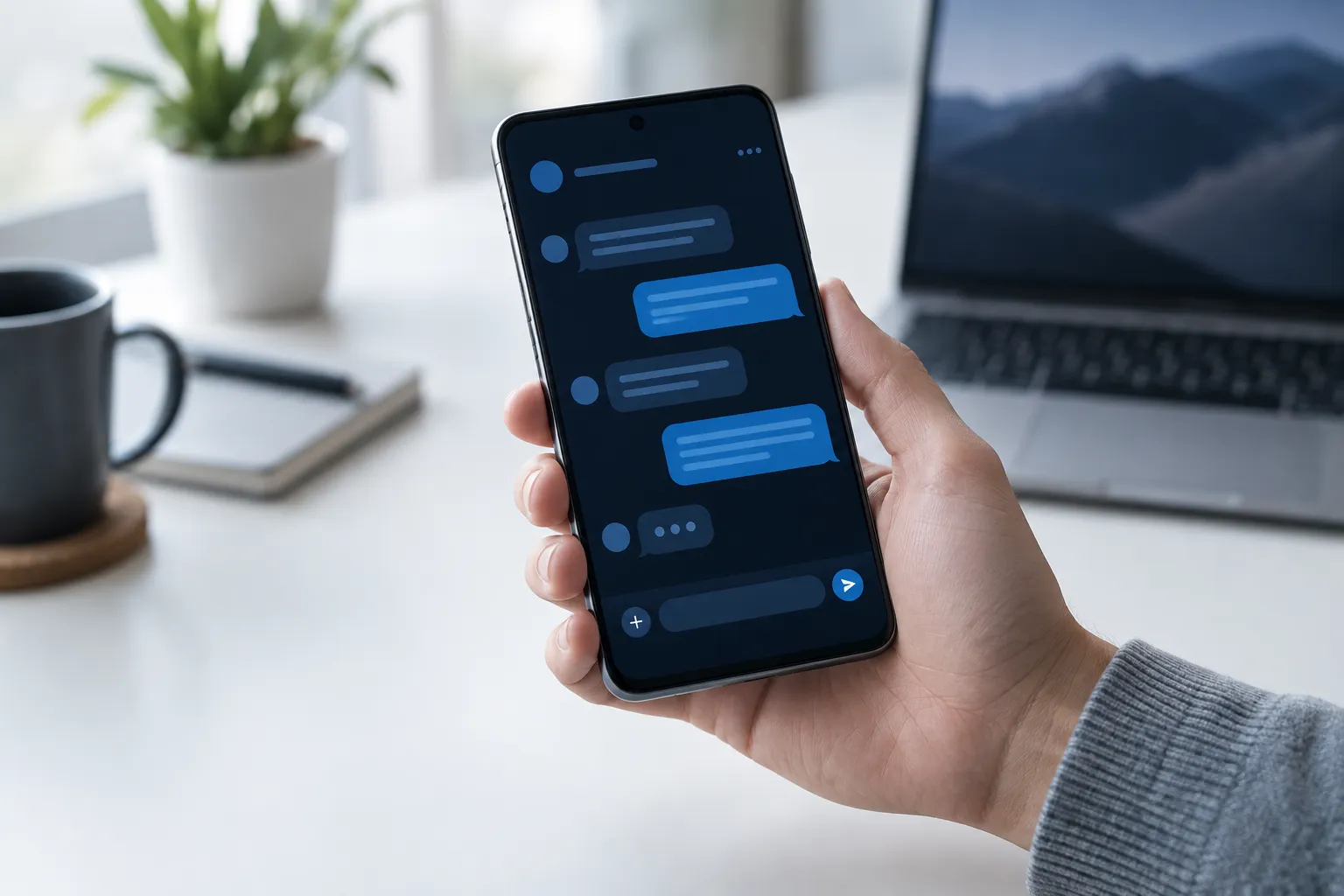
A hand holding an Android phone showing a chat app, with a laptop on the desk

Spend where it matters

Start with one workflow.

Custom software is worth building when it removes work you are already paying for in time. We pick the single job that costs you the most, build that properly, and only add to it once the first version is being used every day.

  • One workflow scoped and costed before building
  • A working version you can try early
  • App store accounts and licences in your name
  • Hosting and ongoing costs explained up front
Talk through your situation

Anything else on your mind? Ask me directly.

A custom app or portal starts at $1,999 for a focused first release, and automating a single workflow starts at $499. Turning a website I built for you into an installable app starts at $99. Your estimate covers the exact screens and features we agree on, and later phases are quoted separately. Hosting and any app store fees are explained up front.

It depends mostly on how many screens and connections the first release needs. Because we start with one workflow, you usually have a test version in your hands early, and you get a realistic timeline with your estimate before any work starts.

My native apps are built for Android and published on Google Play. If your customers or staff also use iPhones, a web app that installs to the home screen works on both, and is often the more affordable route. We will pick the right option for your users together.

Yes, and it should be in your business’s name so you own the listing. Google charges a one-time registration fee. I walk you through the setup, then handle the store listing, screenshots, testing, and release.

You do. The code, the data, the app store listing, and every account it runs on belong to your business. If you ever want to move to another developer, you can take everything with you.

Usually, yes. Most calendars, accounting, payment, and email tools can be connected. I check exactly what your tools allow before the estimate, so there are no surprises halfway through.

Sometimes, and I will tell you when. If an existing product does most of what you need at a fair monthly price, that is often the better choice. Custom software makes sense when your process is what sets you apart, or when you are paying for several tools to do one job badly.

Fixes for anything that was part of the agreed scope are covered. New features, and the routine updates Google Play asks apps to make as Android changes, are quoted before any work begins, so you are never surprised by a bill.

Yes. Everything happens by phone, email, video call, and test versions you try on your own devices, so I build apps for small businesses anywhere in the United States.

A practical next step

A rough idea is enough. I'll help you work out the details.